Starter examples
Build progressively with simple geometry. Each lesson includes a starting archive, a completed archive, configuration steps and an acceptance checklist.
What you will build
Preview the results here before deciding which archive to download.
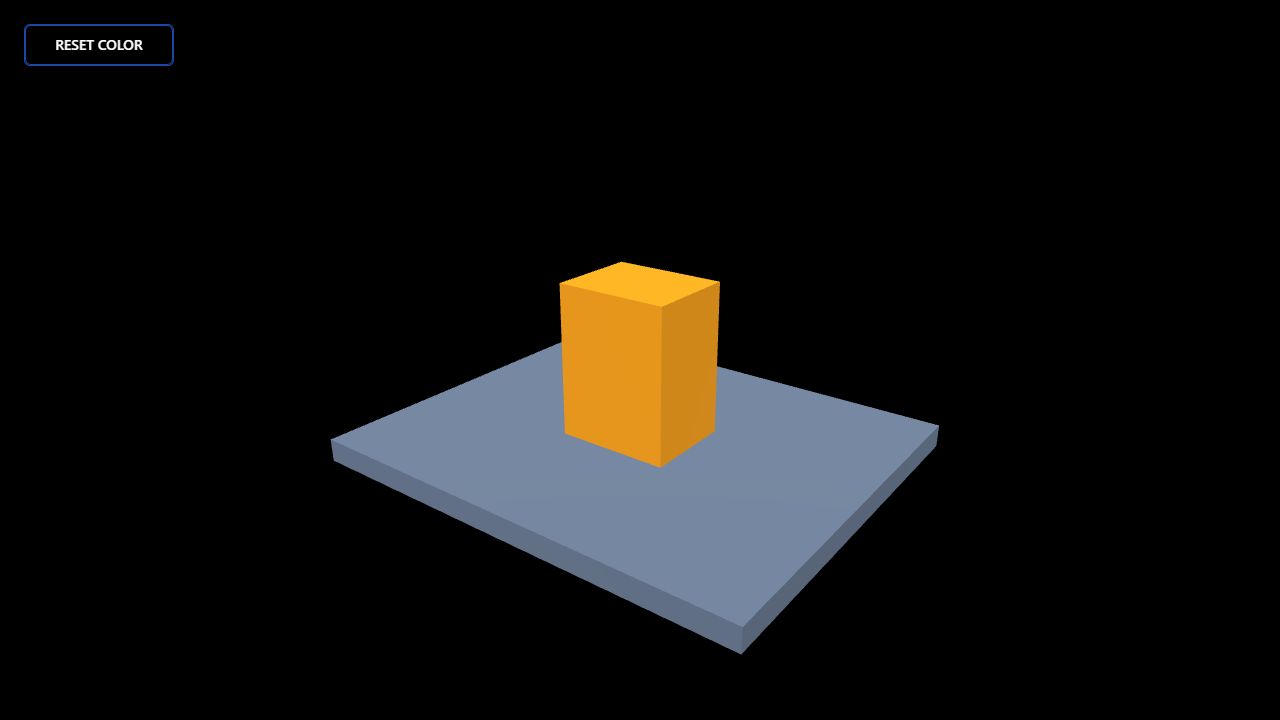 Click feedback and resetA simple shape stands in for a device. Clicking gives visual feedback; the button restores its color. Learn object targets, Graph click events and UI actions.Open the lesson →
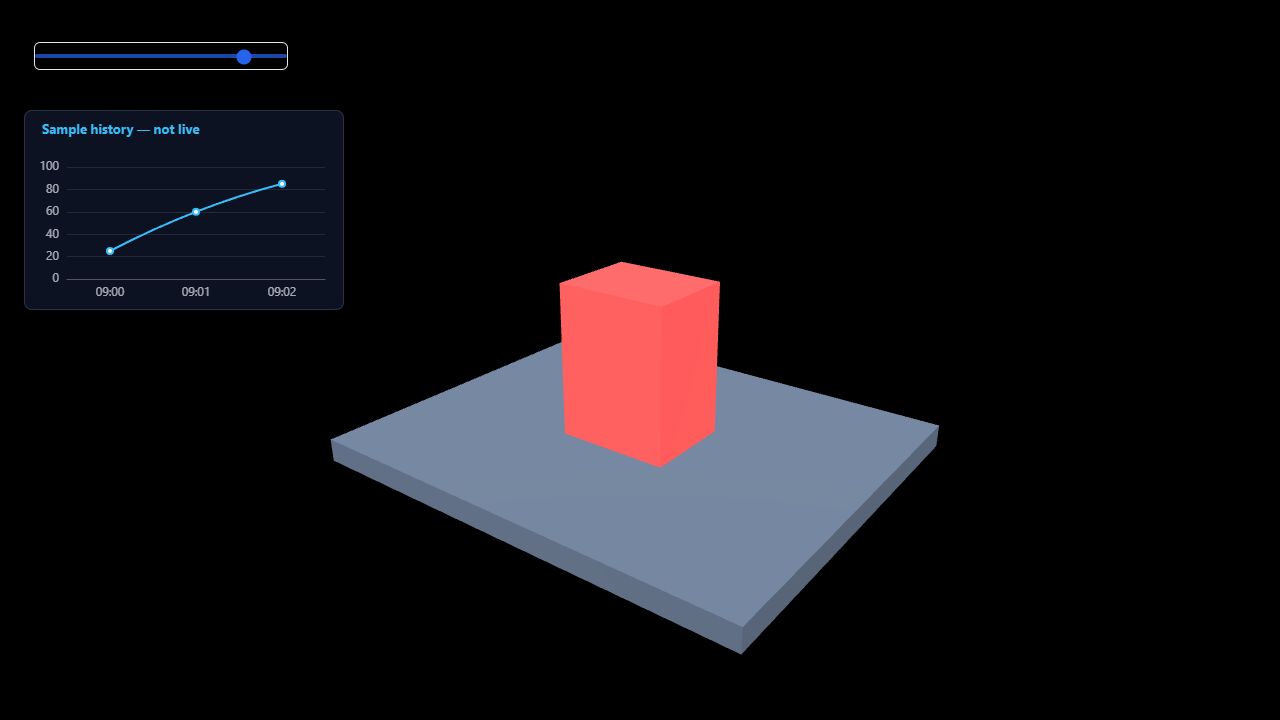 Simulated temperature and alarmsTurn a changing value into visible device status: drag the temperature slider and watch the device turn red at the threshold. Learn UI input, alarm rules and chart field mapping.Open the lesson →
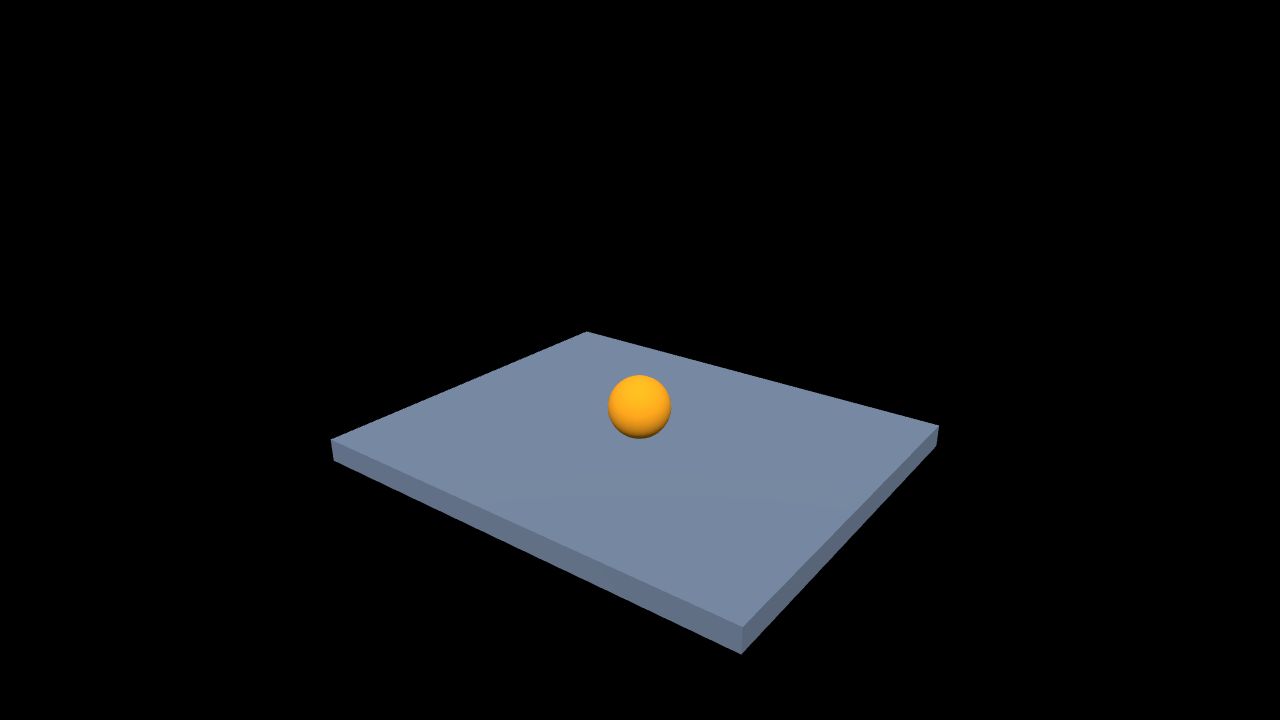 Gravity and collisionDrop a dynamic ball onto a fixed platform. Learn rigid bodies, colliders, gravity and the difference between running, pausing and restoring the initial scene.Open the lesson →
Learning order
- Interactive device display: one device, two Graph nodes and a reset button.
- Temperature alarm dashboard: a simulated input slider, a threshold rule and a static history chart.
- First physics scene: a fixed platform, a dynamic ball and session controls.
Using the archives
Keep the ZIP intact and import it into a dedicated empty practice project. Starting and completed archives are independent snapshots with different object identifiers. Pick the target in your current scene; do not paste an identifier from the completed archive into the starting one.
The archives contain generated basic geometry and configuration only: no external models, customer data, credentials or live equipment connections.
Completion criteria
Explain each step, change one parameter, reopen the saved project and repeat the behavior three times. A correct frame alone is not an end-to-end check.