Your first physics scene
Goal: drop a ball onto a platform, pause it and restart from the initial state. Allow 25–35 minutes.
See the result first
Drop a dynamic ball onto a fixed platform. Learn rigid bodies, colliders, gravity and the difference between running, pausing and restoring the initial scene.
Actual screenshots of the completed example. Click an image to enlarge it.
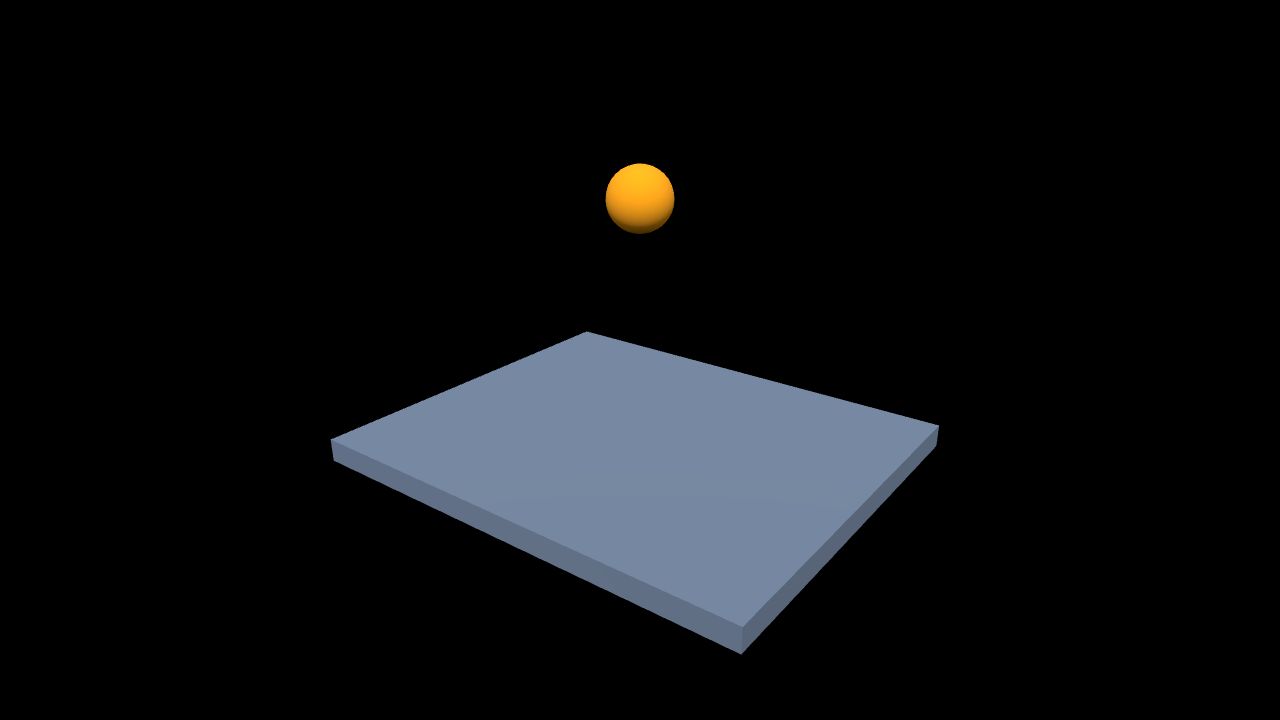
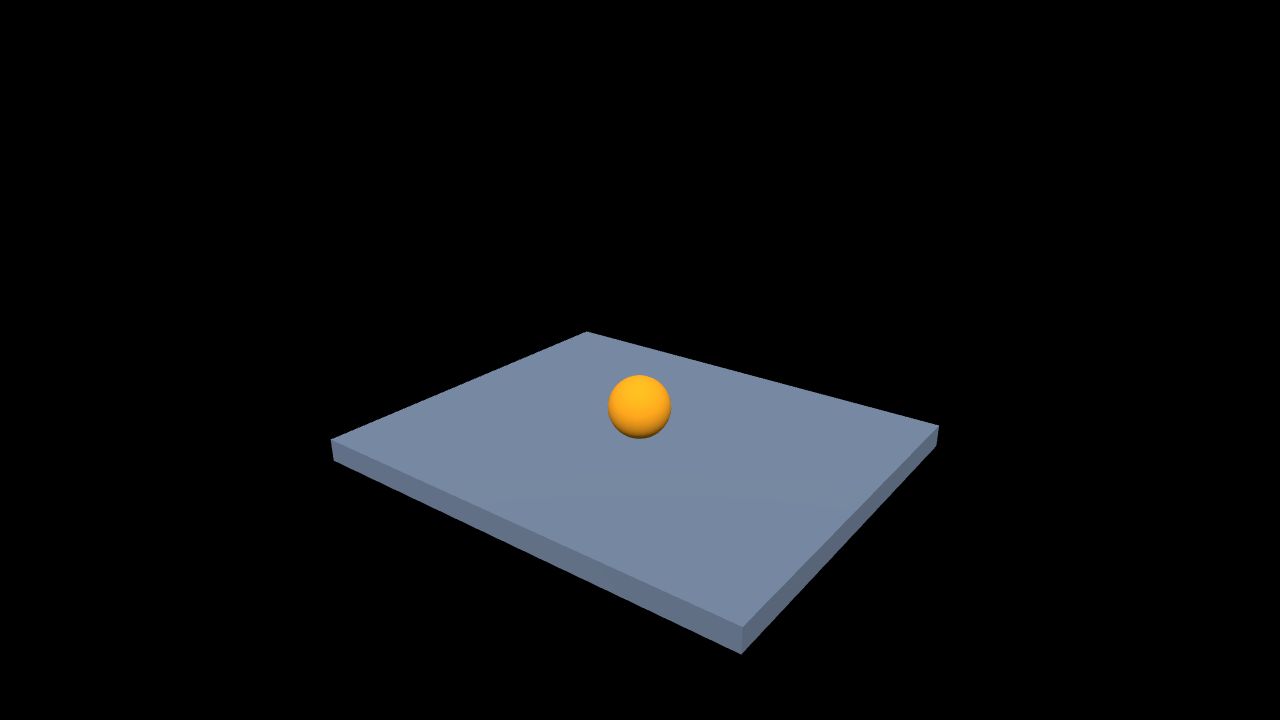
The screenshots show the initial and final states. You can also pause the simulation and reopen the scene to repeat the drop.
Try it yourself
Starting archive · Completed archive
1. Check the geometry
Import the starting archive. Platform measures 6 × 0.3 × 5 at (0, -0.15, 0). Ball has radius 0.4 and starts at (0, 3, 0). The platform top is Y=0; the objects must not overlap initially.
2. Configure the physics world
Enable physics, set gravity to (0, -9.81, 0) and choose manual start. Keep the initial authoring positions until the simulation begins.
3. Configure both bodies
| Object | Body | Collider | Parameters |
|---|---|---|---|
| Platform | Fixed | Box | Size 6, 0.3, 5 |
| Ball | Dynamic | Ball | Radius 0.4, mass 1 |
Use friction 0.5 and restitution 0.2. Visible geometry and collision geometry are separate: a sphere mesh alone is not a physics collider.
4. Save and run
Open the runtime and press Start. Ball should fall and settle on Platform, with its center near Y=0.4; small numerical differences are normal. Pause should hold its position. Resume should not create another ball. Reload or reset the scene to return Ball to Y=3 before starting again.
Troubleshooting
No fall: check Start, enabled physics and Dynamic body type. Falling through: check collider dimensions, initial overlap and scaling. Falling platform: use Fixed. Different restart positions: distinguish resuming from resetting the initial scene.
This introductory exercise is not an engineering accuracy or equipment safety validation. Continue with physics simulation for joints, drives and motion paths.